5. Custom Signature Encryption (encrypt)
Use THOR Util's "encrypt" command to encrypt YARA signatures and IOC files.
Note
THOR Util and THOR Util Lite use different signature encryption methods. Custom signatures must therefore be encrypted using the corresponding version of THOR Util.
C:\thor>thor-util.exe encrypt --help
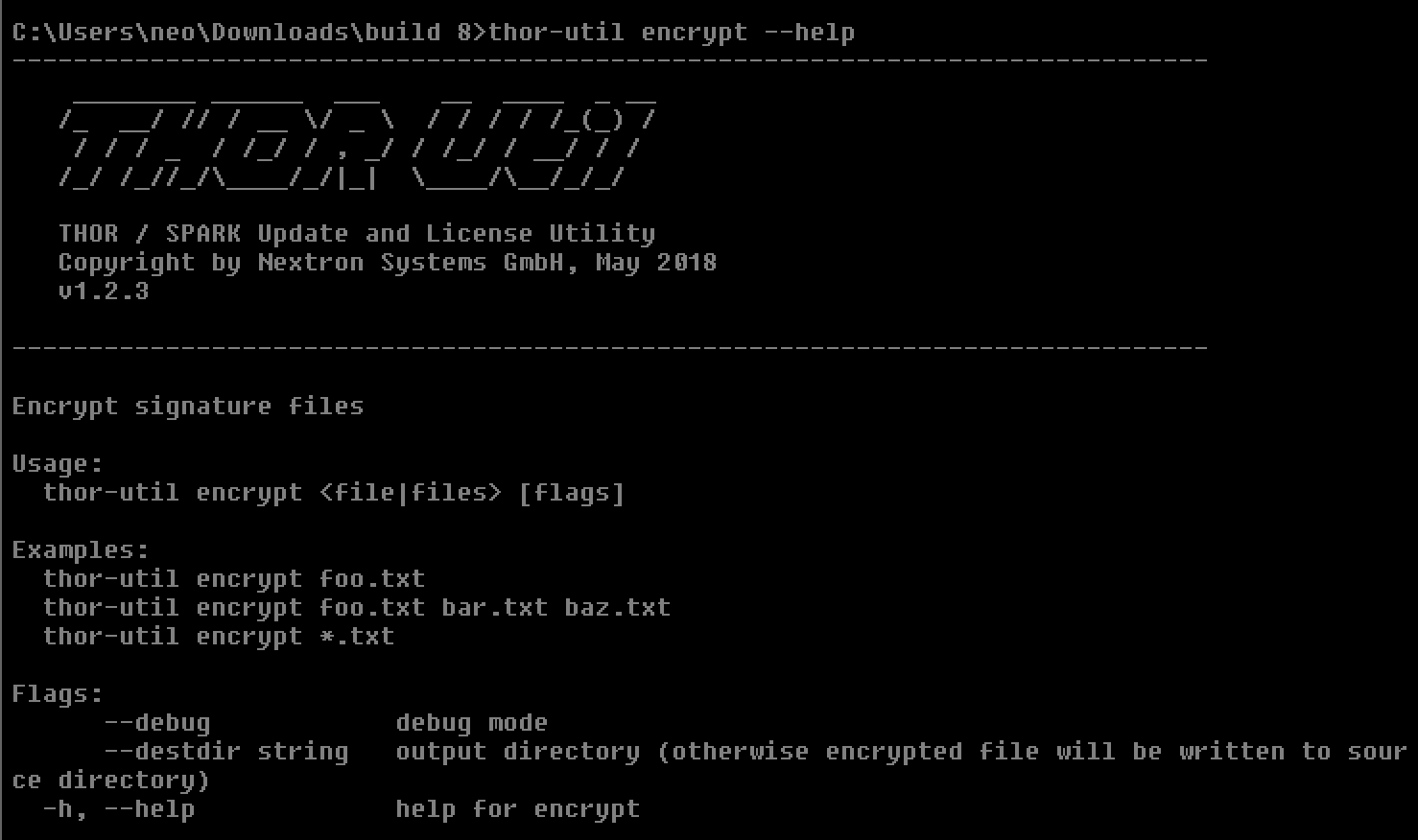
THOR Util's Encrypt Feature Help
The "encrypt" command accepts a single file, a list of files, or wildcards as input.
C:\thor>thor-util.exe encrypt ~/sigs/case14.yar
C:\thor>thor-util.exe encrypt ~/sigs/case14.yar ~/sigs/case14-hashes.txt
C:\thor>thor-util.exe encrypt ~/sigs/case14.\*
THOR Util automatically detects the signature type based on the file extension.
File Type |
Clear Text Extension |
Extension of Encrypted File |
|---|---|---|
IOC File |
.txt |
.dat |
YARA Rule |
.yar, .yara, .yac (compiled YARA) |
.yas |
Sigma |
.yml, .yaml |
.yms |
STIXv2 |
.json |
.jsos |
Place encrypted IOC files in the ./custom-signatures subfolder in the
program directory and encrypted YARA rules in the
./custom-signatures/yara subfolder.